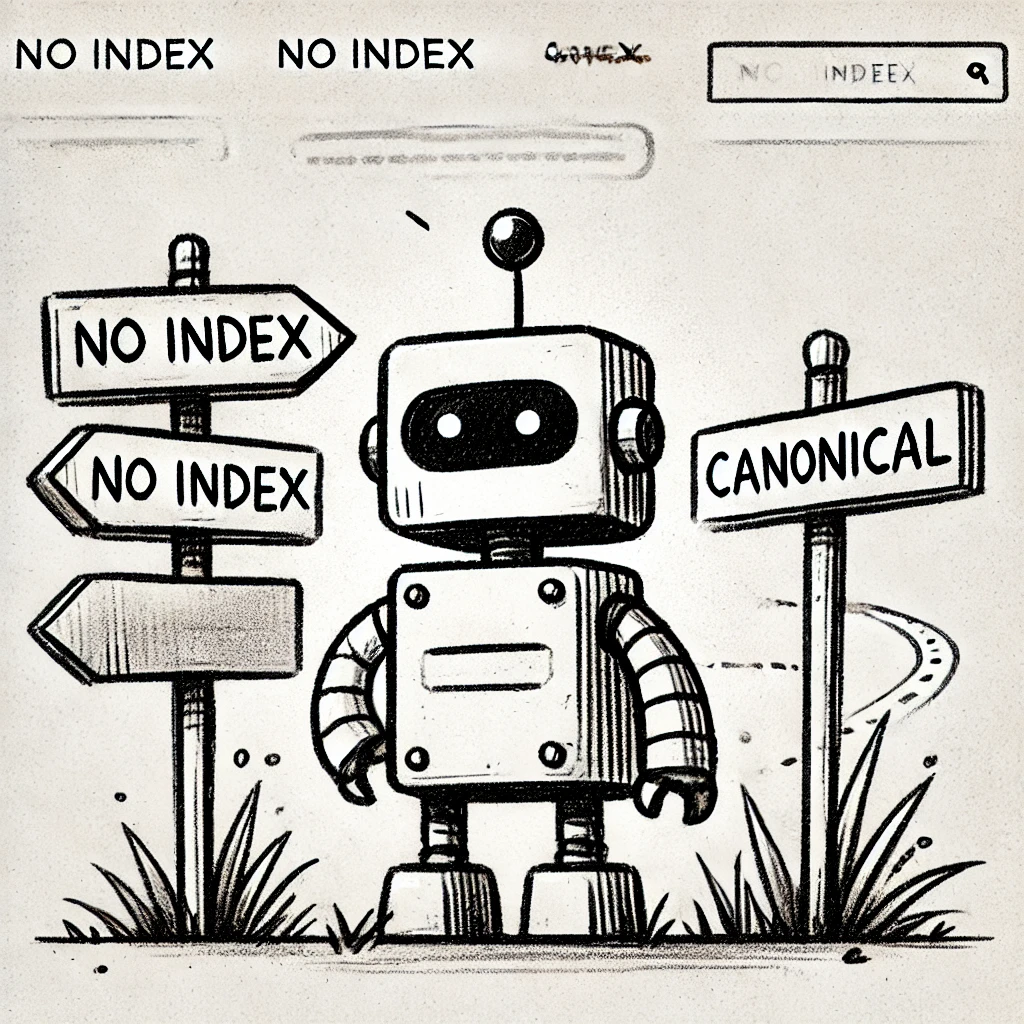

How to Fine-Tune Robots.txt, Canonicals, and Noindex Tags
When it comes to SEO, the concept of “crawl budget” is often overlooked. But if you’re managing a large website, optimising your crawl budget can make the difference between your most important pages getting indexed or lost in the shuffle. Think of your crawl budget as the search engine’s attention span and you want to make sure it’s focused on the right stuff.
In this post, we’ll break down three simple but powerful tools to help you fine-tune your crawl budget: Robots.txt, Canonical Tags, and Noindex Tags.
What is Crawl Budget, and Why Should You Care?
Crawl budget is the number of pages search engines like Google will crawl on your site within a given time frame. If you’re running a small blog, you might not need to worry much. But for larger sites with thousands of pages – like e-commerce platforms, news outlets, or enterprise sites – every crawl counts.
If Googlebot spends time crawling duplicate content, thin pages, or irrelevant sections of your site, it’s not spending that time on the pages you want ranking in the SERPs.
Step 1: Using Robots.txt to Block Irrelevant Pages
The Robots.txt file is like a bouncer at the door of your website, telling search engines where they can’t go. But be careful – it’s not about locking down everything, just the stuff that doesn’t need to be crawled.
What to Block:
- Admin Pages: /admin/, /login/, /dashboard/
- Duplicate Content: Printer-friendly versions, filtered URLs
- Resource-Heavy Files: PDFs, certain images, or scripts that don’t need indexing
Example Robots.txt:
User-agent: *
Disallow: /admin/
Disallow: /checkout/
Disallow: /wp-content/plugins/
This keeps Google focused on the content that matters. But a word of caution: don’t block pages you want indexed. Robots.txt prevents crawling, not indexing, which can cause unintended consequences if misused.
Step 2: Using Canonical Tags to Handle Duplicate Content
Duplicate content is a crawl budget killer. If your site has multiple URLs pointing to the same content (like product pages with tracking parameters), Google will crawl them all unless you guide it.
Enter the Canonical Tag.
A canonical tag tells Google, “Hey, this is the original version of this page. Ignore the others.” This is key for e-commerce sites where product pages might appear under multiple categories or URLs.
Example Canonical Tag:
<link rel=”canonical” href=”https://www.example.com/product-name/” />
Place this in the <head> section of your duplicate pages, pointing to the primary version. This consolidates ranking signals and reduces unnecessary crawling.
Step 3: Using Noindex Tags to Prune Low-Value Pages
Sometimes you want Google to crawl a page but not index it. That’s where the Noindex Tag comes in. It’s perfect for pages like:
- Thank You Pages: After form submissions
- Thin Content: Pages with little value to search engines
- Internal Search Results: To avoid clutter in the SERPs
Example Noindex Tag:
<meta name=”robots” content=”noindex, follow”>
This tells Google, “Crawl this page to follow its links, but don’t include it in the index.” It’s a subtle way to control what gets attention in the SERPs without cutting off crawl paths.
Putting It All Together
Optimising your crawl budget isn’t about complicated tricks – it’s about clear communication with search engines. Here’s the simple system:
- Block irrelevant pages with Robots.txt
- Consolidate duplicate content with Canonical Tags
- Exclude low-value pages with Noindex Tags
By fine-tuning these three tools, you can ensure that Google spends its time on the pages that matter most – improving your indexing efficiency and, ultimately, your rankings.
Remember: SEO isn’t just about adding more. Sometimes, it’s about cutting the clutter and making sure what you already have is able to shine.